Azure Fabric :: Part 4 — Transform OneLake Data with Azure Databricks
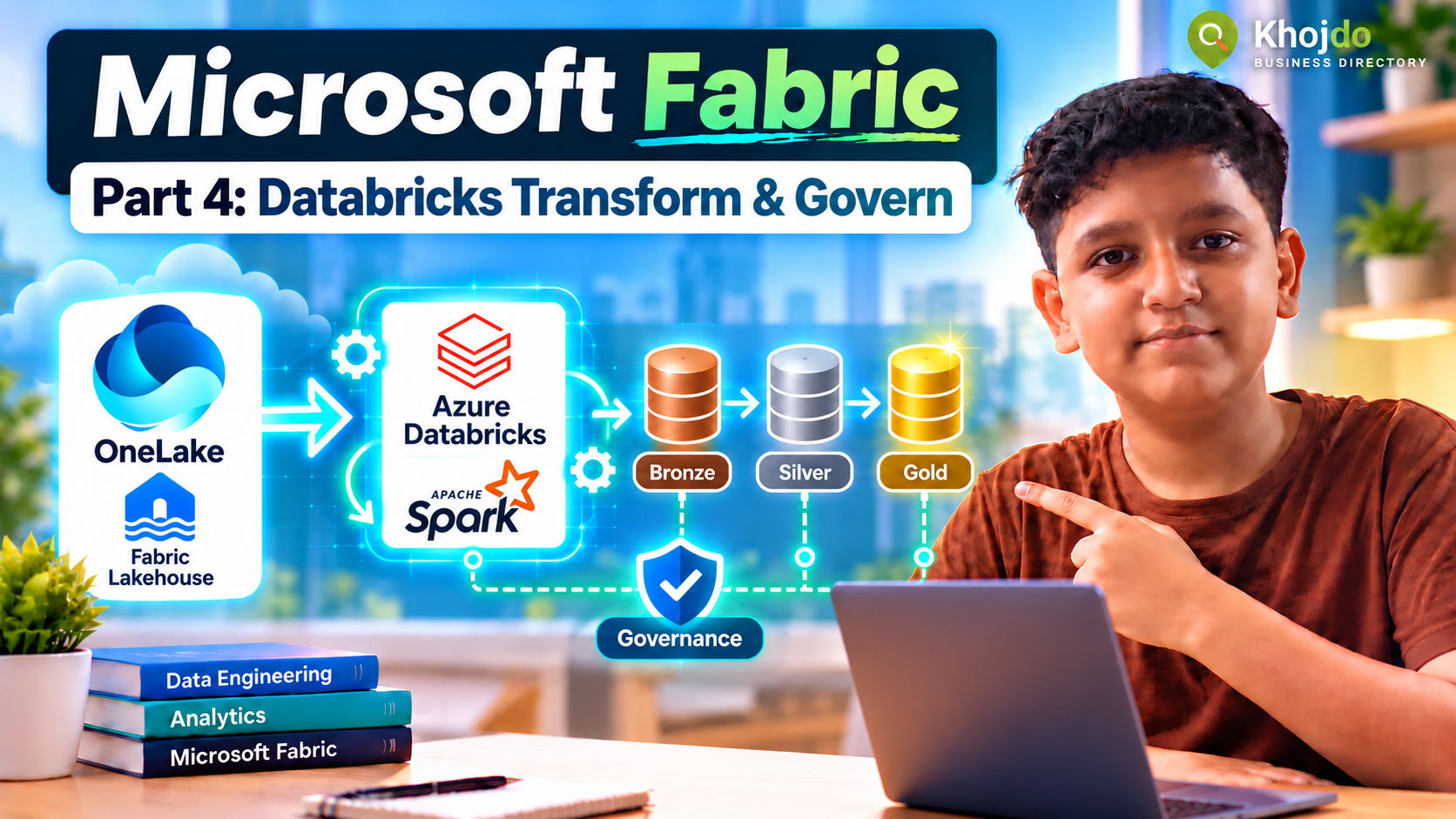
Connect Azure Databricks to OneLake, transform ingested data into Bronze, Silver and Gold Delta tables, and apply practical governance and quality checks.
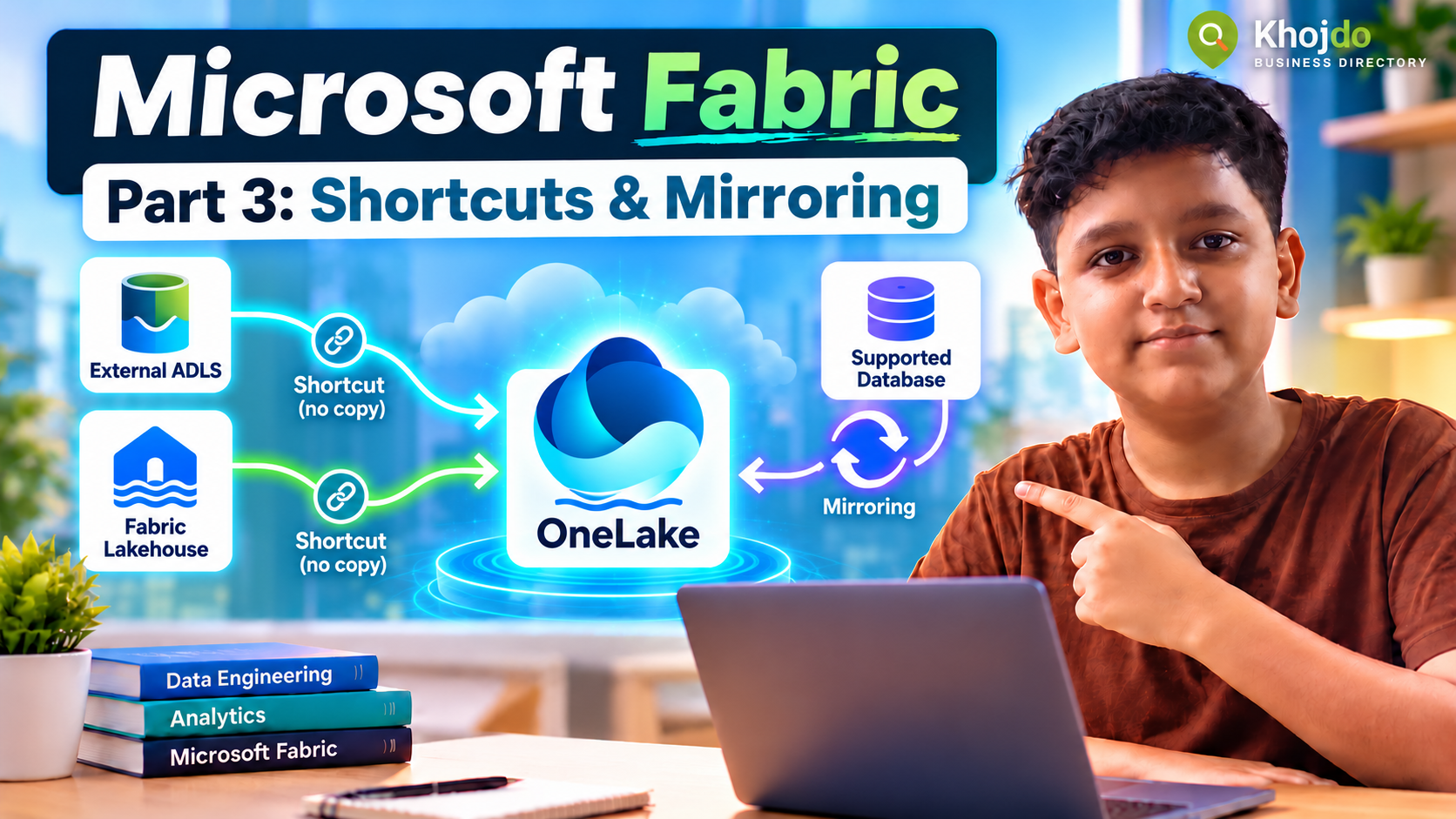
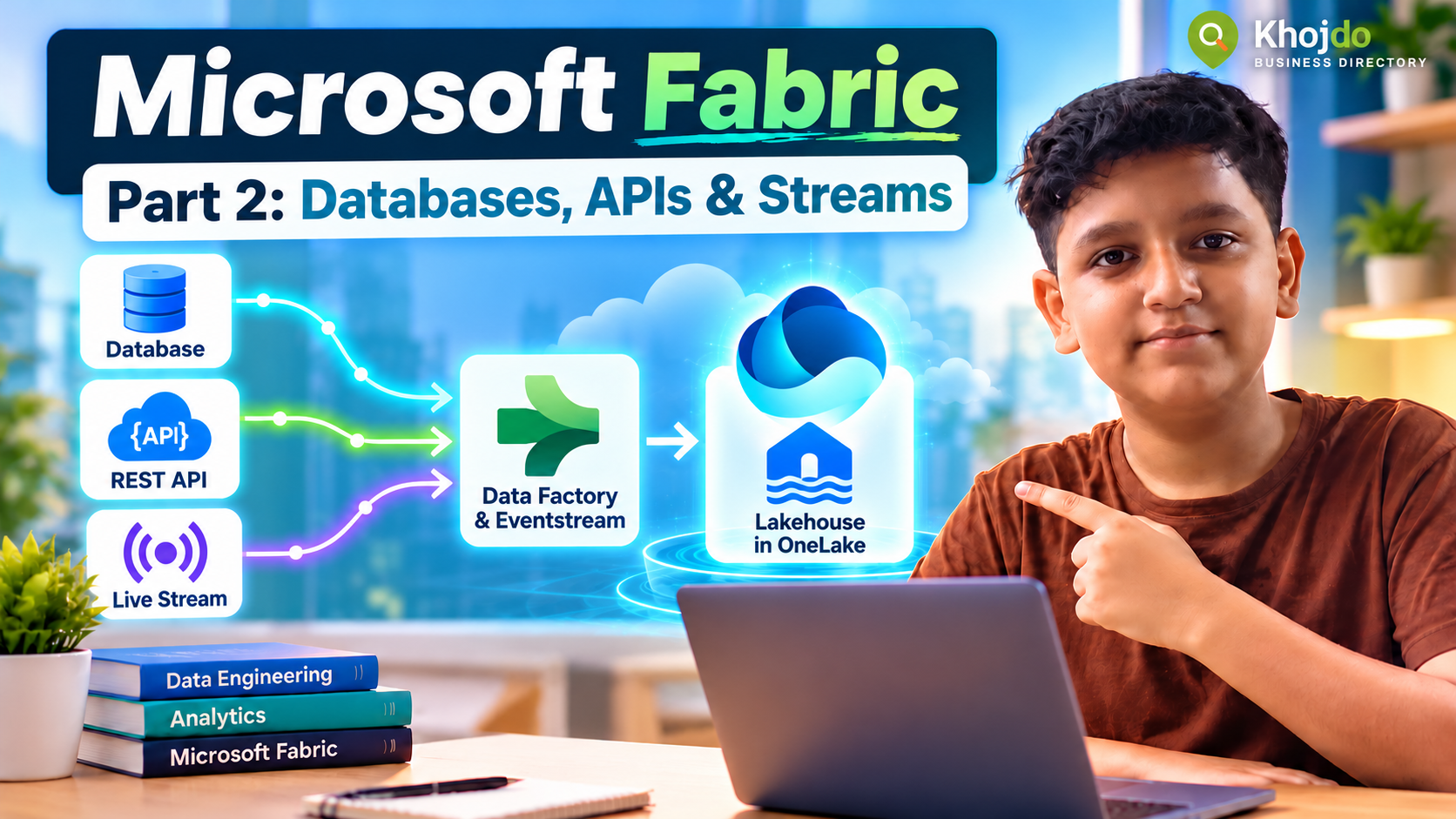
In Parts 1–3, we created a Fabric Lakehouse, ingested sample files, database data, API responses and streaming events, and explored shortcuts and Mirroring. Now we’ll use Azure Databricks to clean and shape the data into useful Delta tables, then apply quality and access controls.
Choose the Databricks-to-OneLake pattern
- Direct OneLake access: Azure Databricks standard or job clusters can read and write OneLake through the ABFS endpoint using OAuth. This suits a Databricks transformation job that writes curated Delta output to a Fabric Lakehouse.
- OneLake catalog federation: Databricks queries Fabric Lakehouse or Warehouse tables without copying them. This is read-only and needs supported Unity Catalog, runtime, tenant and identity configuration; use it when Databricks needs to analyze data owned in Fabric, not to write transformations back.
- ADLS Gen2 plus shortcut: If your organization already uses ADLS Gen2 as the shared storage layer, Databricks can write there and Fabric can reference curated Delta data with a shortcut. This is an alternative when it matches the existing platform design.
This walkthrough uses direct OneLake access for a small demo. Azure Databricks requires a premium workspace for the documented direct connection. Ask your platform administrator to set up identity and access; don’t create a paid workspace or grant broad production access just for practice.
Step 1: Prepare the Fabric Lakehouse
- Open the Fabric portal and select
Fabric-Junior-Demo→LH_Sales_Demo. - Under Files, create or confirm a raw folder such as
Files/bronze/orders/. Put the approved sample file there, or use the output from Part 2. - Keep raw input unchanged. Databricks will write cleaned output to separate Lakehouse table paths under
Tables/. - Copy the Fabric workspace name and Lakehouse name or IDs. Avoid spaces and special characters in names used in ABFS paths.
Step 2: Configure identity and access
- In Azure portal, an administrator creates or selects a Microsoft Entra service principal for the demo, or uses another identity supported by the approved architecture.
- Store its tenant ID, client ID and secret in a Databricks secret scope or Azure Key Vault integration. Never paste the secret directly into a notebook or commit it to Git.
- Grant the identity access to the Fabric workspace or specific Lakehouse data as required by the organization’s security design. Microsoft’s direct integration guide lists a service principal and appropriate workspace access as prerequisites; keep this restricted to the demo workspace.
- Use an Azure Databricks standard or job cluster for the ABFS Spark configuration. The documented approach does not use the same Spark configuration on serverless compute.
Step 3: Read the Bronze file and create a Silver table
The example assumes the sample CSV contains order_id, order_date, customer_id and amount. Adjust the column names to your own sample.
# Retrieve credentials from Databricks secrets; do not hard-code them.
tenant_id = dbutils.secrets.get(scope="fabric-demo", key="tenant-id")
client_id = dbutils.secrets.get(scope="fabric-demo", key="client-id")
client_secret = dbutils.secrets.get(scope="fabric-demo", key="client-secret")

spark.conf.set("fs.azure.account.auth.type", "OAuth")
spark.conf.set(
    "fs.azure.account.oauth.provider.type",
    "org.apache.hadoop.fs.azurebfs.oauth2.ClientCredsTokenProvider"
)
spark.conf.set("fs.azure.account.oauth2.client.id", client_id)
spark.conf.set("fs.azure.account.oauth2.client.secret", client_secret)
spark.conf.set(
    "fs.azure.account.oauth2.client.endpoint",
    f"https://login.microsoftonline.com/{tenant_id}/oauth2/token"
)

workspace = "Fabric-Junior-Demo"
lakehouse = "LH_Sales_Demo"
raw_path = (
    f"abfss://{workspace}@onelake.dfs.fabric.microsoft.com/"
    f"{lakehouse}.lakehouse/Files/bronze/orders/*.csv"
)
silver_path = (
    f"abfss://{workspace}@onelake.dfs.fabric.microsoft.com/"
    f"{lakehouse}.lakehouse/Tables/silver_orders"
)

df = (spark.read.option("header", True).option("inferSchema", True)
      .csv(raw_path))

from pyspark.sql.functions import col, trim, to_date

silver = (df
    .dropDuplicates(["order_id"])
    .filter(col("order_id").isNotNull())
    .withColumn("customer_id", trim(col("customer_id")))
    .withColumn("order_date", to_date(col("order_date")))
    .withColumn("amount", col("amount").cast("decimal(12,2)"))
    .filter(col("amount") >= 0)
)

# Overwrite is for this small, repeatable demo only.
(silver.write.format("delta").mode("overwrite").save(silver_path))
After the write succeeds, refresh the Lakehouse and confirm silver_orders appears under Tables. In production, use an incremental merge or another idempotent write strategy instead of repeatedly overwriting data.
Step 4: Build a Gold summary
Gold tables are shaped for a known business use, such as daily sales reporting. This example aggregates the cleaned Silver table:
from pyspark.sql.functions import sum as sum_, count

gold = (silver
    .groupBy("order_date")
    .agg(
        count("order_id").alias("order_count"),
        sum_("amount").alias("daily_sales")
    )
)

gold_path = (
    f"abfss://{workspace}@onelake.dfs.fabric.microsoft.com/"
    f"{lakehouse}.lakehouse/Tables/gold_daily_sales"
)
(gold.write.format("delta").mode("overwrite").save(gold_path))
Keep one writer per table path. If a Fabric pipeline, notebook or Databricks job writes to the same Delta table, coordinate ownership and write order to avoid conflicting updates.
Step 5: Validate before sharing
- Compare Bronze, Silver and Gold row counts; explain records removed by filters or deduplication.
- Check required columns for nulls, confirm key uniqueness and validate amounts and dates against expected ranges.
- Reconcile the Gold sales total with the source or a known sample total.
- Capture the job run ID, input path, output table, row counts, duration and errors.
- For incremental data, test late-arriving rows, duplicate delivery and reruns before scheduling a production load.
Step 6: Apply governance
- Use Fabric workspace roles and OneLake permissions to grant only the required access to Lakehouse data. Use a dedicated demo workspace instead of broad production roles.
- Use Unity Catalog to govern Databricks notebooks, jobs, identities and data access on the Databricks side.
- In Fabric, use the OneLake catalog to discover and describe trusted data, review lineage, assign ownership and endorse certified items.
- Classify sensitive columns and remove, mask or restrict PII that is not needed for the demo or report.
- Use Microsoft Purview when the organization needs broader classification, sensitivity labels, DLP, audit, risk or compliance coverage across Fabric and other services.
- Document each table’s owner, purpose, refresh expectation, data-quality rules, retention and support contact.
Common mistakes and mitigation
- Putting secrets in notebook cells: use Databricks secrets or Key Vault-backed secret management and rotate credentials.
- Using serverless with standard-cluster ABFS settings: follow the OneLake Databricks guide for the compute type; standard and serverless have different authentication setup.
- Overwriting a production table: reserve overwrite for a disposable demo; use a tested incremental merge and backup/recovery plan for production.
- Multiple engines writing the same table: assign one writer per path or coordinate writes with a documented process.
- Skipping quality checks: validate counts, nulls, uniqueness, freshness and reconciliation totals before publishing Gold data.
- Granting broad access for convenience: scope identities and roles to the demo workspace or specific data item, then verify permissions with the intended user.
Part 4 completion checklist
- Databricks can authenticate to the intended OneLake path using a managed secret.
- Silver and Gold Delta outputs appear in the Fabric Lakehouse.
- Quality checks and a reconciliation result are recorded.
- One writer, owner, classification and access policy are documented for each output table.
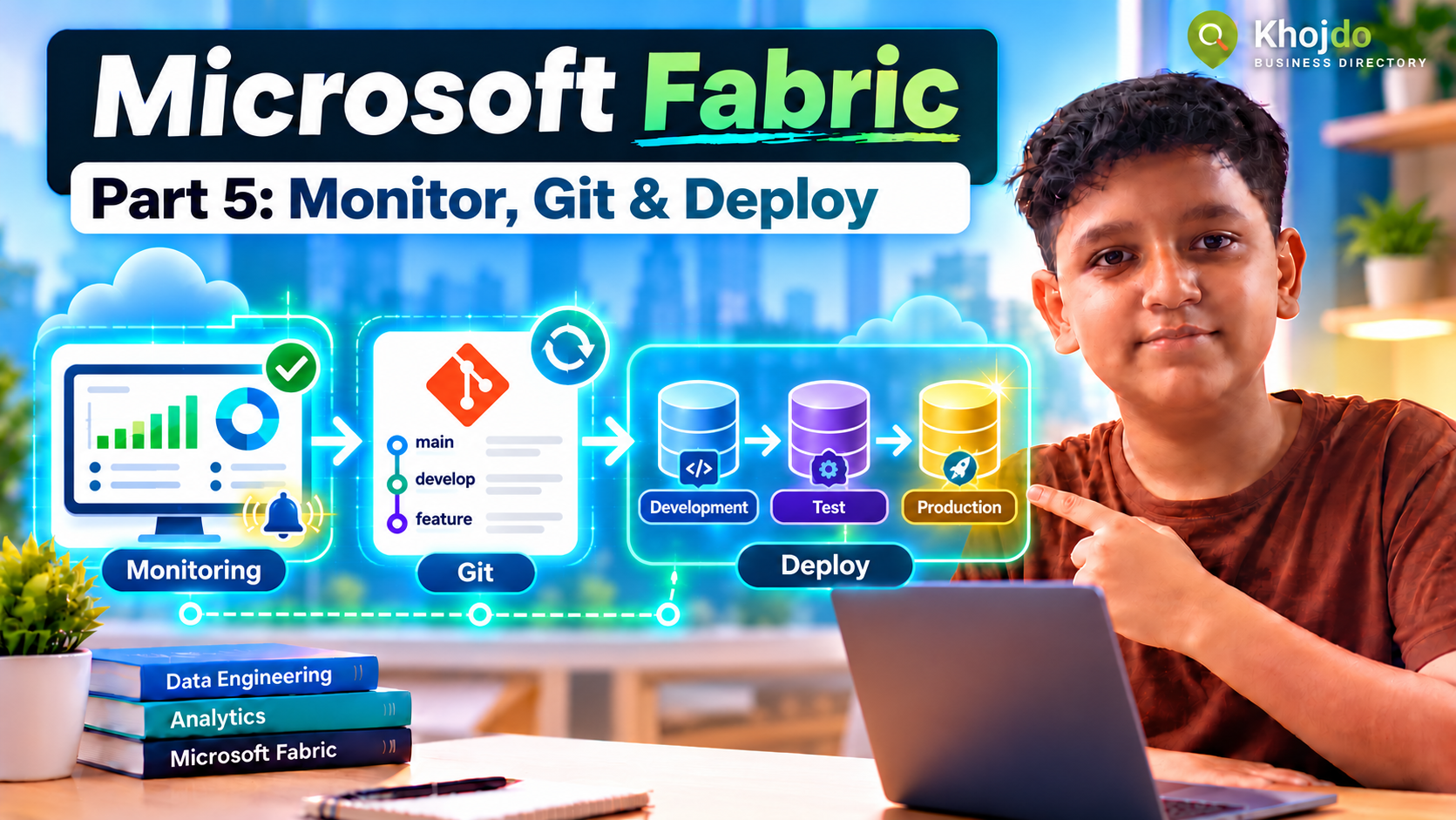
Next in Part 5: monitor pipelines, notebooks and data freshness; connect the workspace to Git; and move changes through development, test and production.