AWS Cloud Migration: Data Platforms, Team Leadership and Stakeholder Collaboration
A practical AWS migration playbook covering discovery, landing-zone readiness, S3 data movement, Redshift, Databricks and Snowflake choices, validation, cutover, team leadership and stakeholder communication.
Cloud migration is a business change as well as a technology move. A successful AWS data-platform migration needs a clear target architecture, verified dependencies, a safe cutover plan and regular decisions with the people who own the data and use it.
Example: moving a retailer’s analytics platform
A retailer runs an on-premises warehouse that combines point-of-sale, web, inventory and customer data. Reports must remain available during migration, historical data must be retained, and new cloud dashboards should meet agreed freshness and security requirements.
The program inventories sources and consumers, prepares an AWS landing zone, moves historical files to Amazon S3, replicates changing database data, validates totals against the old platform, and moves reports in measured waves. Teams can serve the curated data from Redshift, Databricks or Snowflake depending on workload needs; those platforms do not need to be deployed together unless there is a clear use case.
Core services and their role
- AWS Migration Hub: Provides a place to track migration progress from supported AWS and partner tools.
- AWS DMS: Migrates supported databases and can replicate ongoing changes using CDC, helping reduce some cutover downtime.
- AWS DataSync: Transfers data between supported on-premises, edge and AWS storage locations, including S3.
- Amazon S3: Provides landing, archive and lake storage for migration extracts, raw data and curated files.
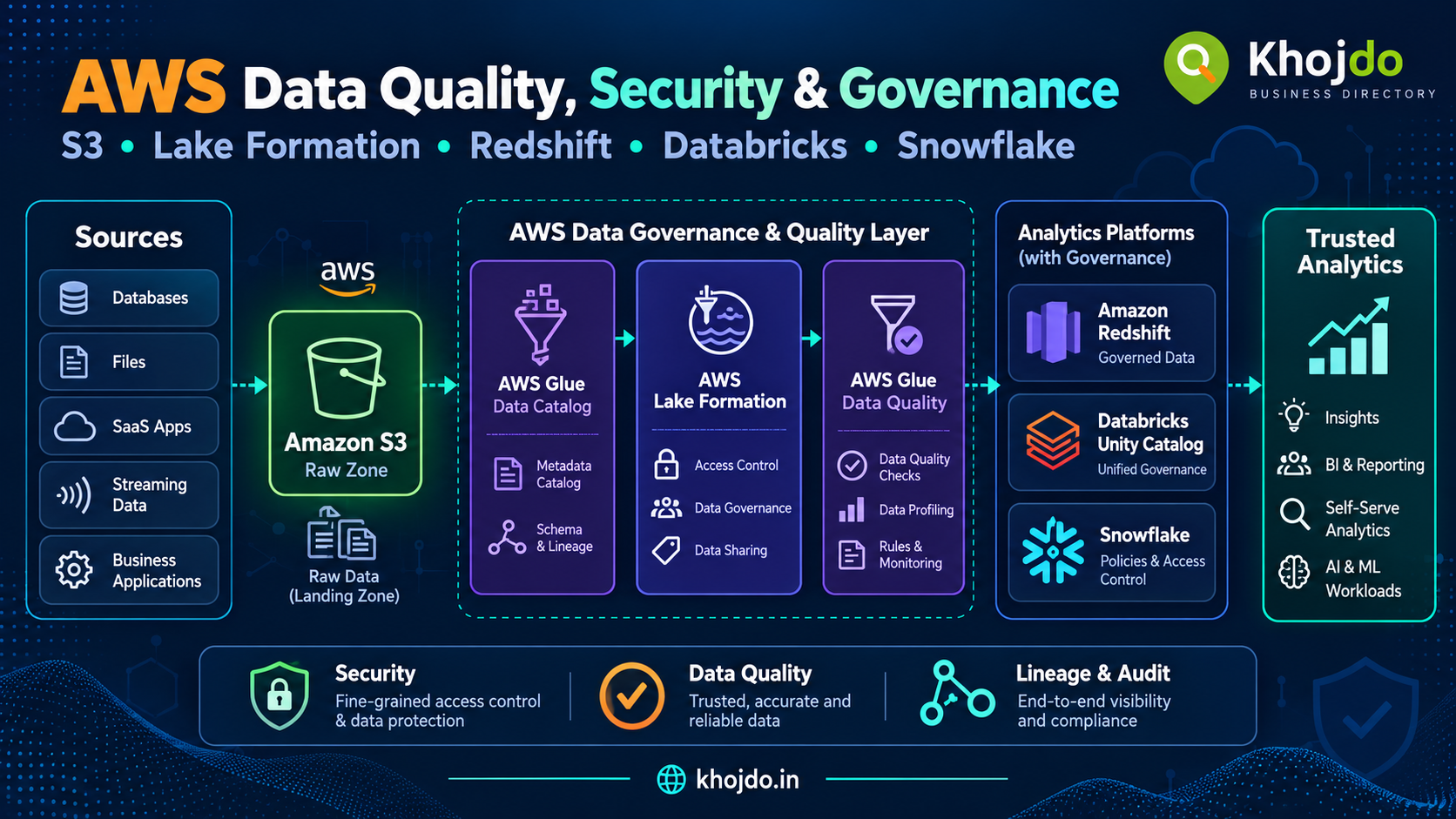
- AWS Glue: Catalogs data and runs managed integration jobs for supported ETL patterns.
- AWS Lake Formation: Manages fine-grained access to cataloged data lake resources.
- Amazon Redshift: Provides managed SQL data warehousing and analytics.
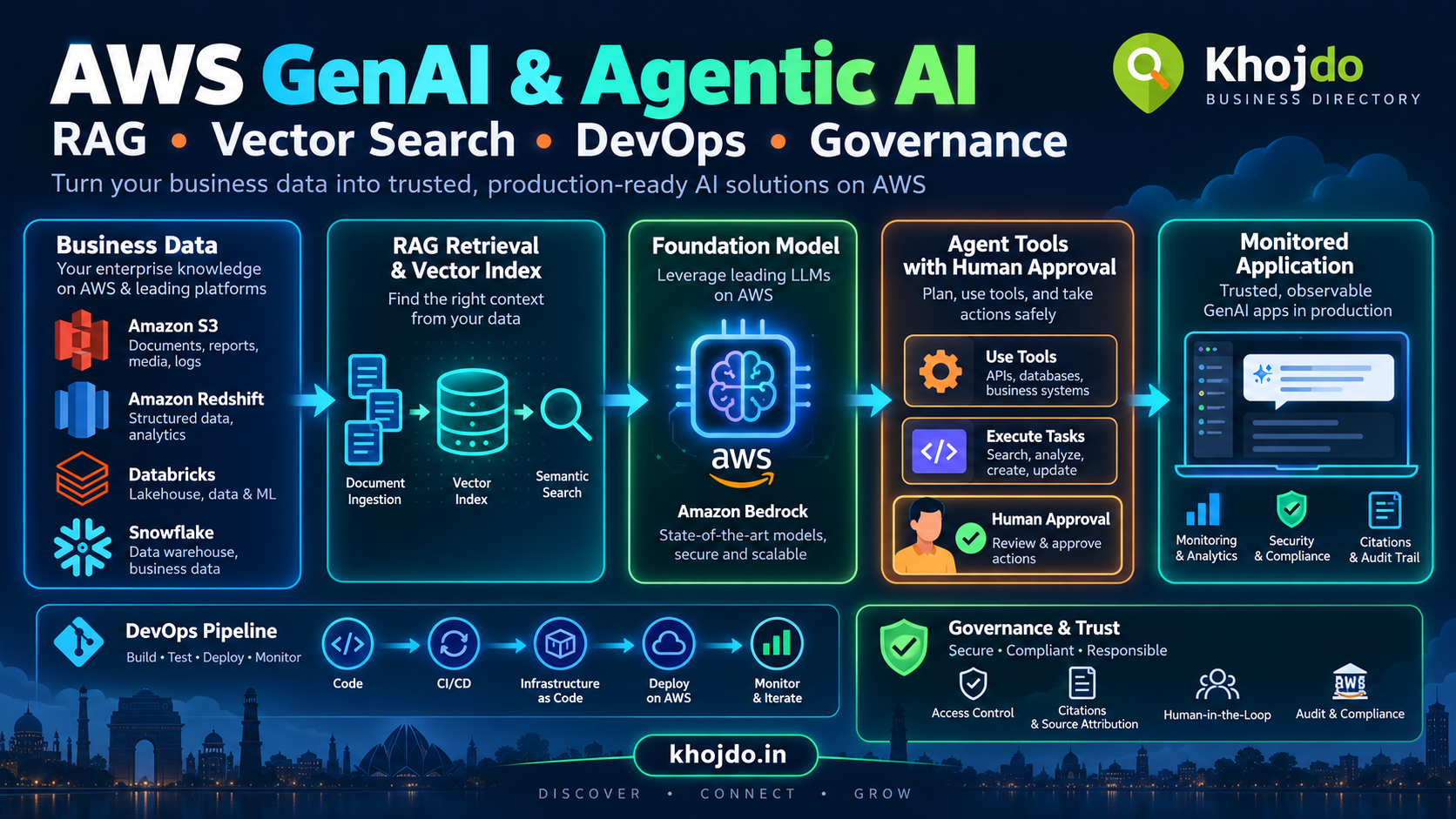
- Databricks on AWS: Supports lakehouse engineering, Spark workloads, streaming, machine learning and SQL analytics.
- Snowflake on AWS: Provides managed SQL data processing, warehousing and data sharing.
- AWS Control Tower: Helps establish and govern a multi-account AWS environment using a landing zone.
- AWS IAM and AWS KMS: Provide identity permissions and encryption key management.
- Amazon CloudWatch: Collects logs, metrics and alarms for operational monitoring.
- AWS Cost Explorer: Helps review and analyze AWS spending over time.
Migration phases
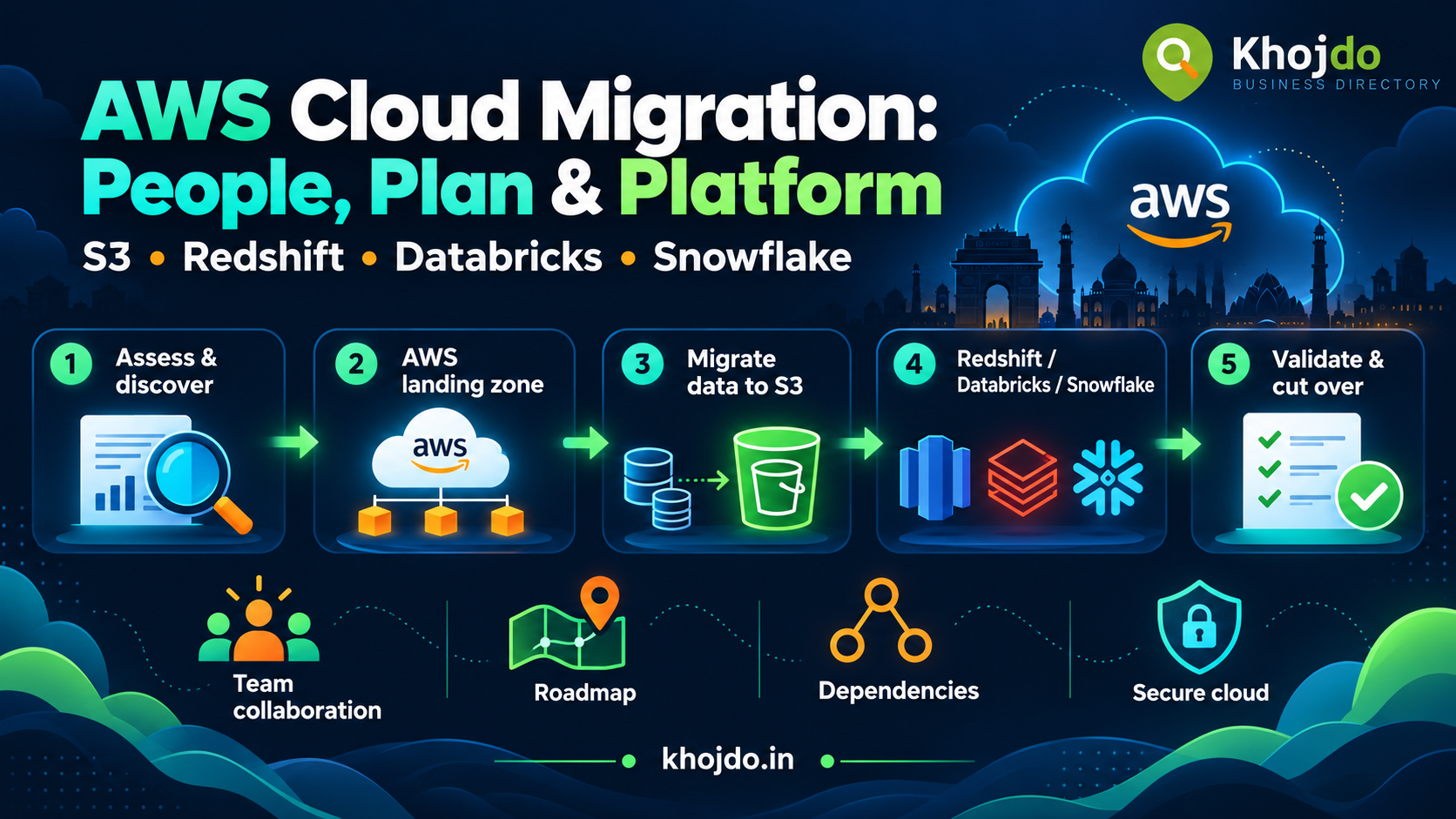
1. Assess and discover
Inventory databases, files, interfaces, reports, owners, data volumes, dependencies, security requirements and operating windows. Identify which systems must move together and which can remain connected during transition. Record actual workload utilization and data transfer constraints instead of relying only on estimates.
Classify workloads by business criticality, complexity, risk and value. Choose a migration approach for each workload: retain, retire, rehost, replatform, repurchase, relocate or refactor. Select a low-risk pilot that can prove the landing zone, connectivity, security, deployment and support model.
2. Mobilize and prepare the AWS foundation
Set up the AWS account structure, network connectivity, identity federation, logging, encryption, backup, monitoring and cost allocation before moving production data. Establish infrastructure-as-code and environment promotion so teams can reproduce and review changes.
Agree on the operating model: who owns the platform, who approves data access, how incidents are handled, and who supports workloads after cutover. Train teams on the services and runbooks they will operate.
3. Design the target data platform
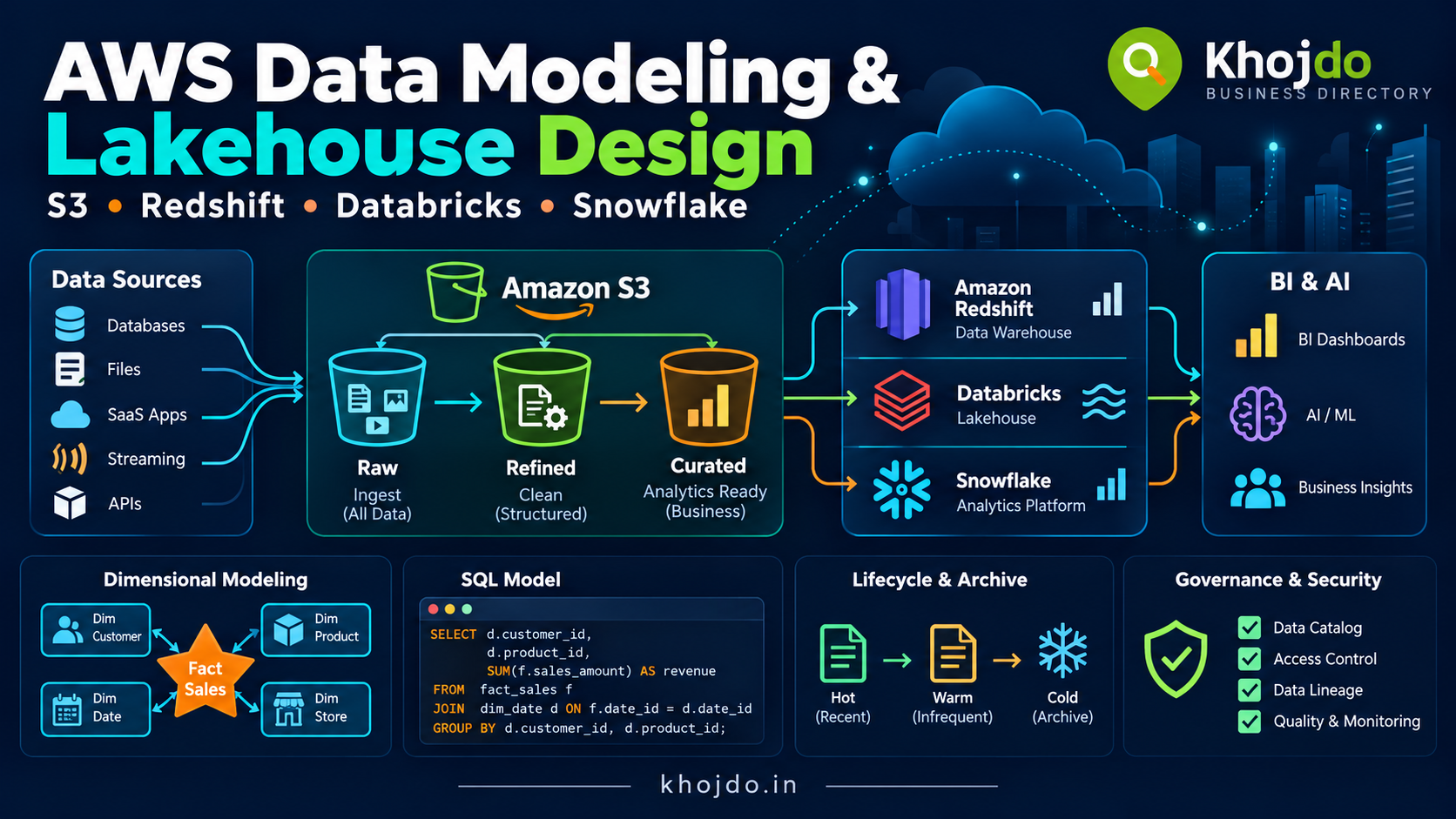
Use S3 for durable object storage, raw extracts, open data and archive where appropriate. Keep source data and transformed outputs clearly separated, and define retention, access, encryption and recovery requirements.
Use Redshift when the main requirement is SQL warehousing, BI and analytical workloads that fit its warehouse model. Validate table design, concurrency, load strategy and query performance using representative data.
Use Databricks when the program needs Spark-based engineering, lakehouse patterns, streaming or machine-learning workflows. Plan governance, cluster policies, data layout and job operations alongside the migration.
Use Snowflake when managed SQL analytics, warehouse compute and data sharing align with the organization’s workload and skills. Define roles, loading patterns, warehouse sizing and cost monitoring early.
For each data product, designate a system of record and a target serving platform. A hybrid design can be appropriate, but every additional copy creates data movement, governance, cost and reconciliation work.
4. Move data and validate
Transfer historical files with a method sized for the data volume and available bandwidth. Use database migration and CDC tooling where it fits the source and target. Capture source and target row counts, key totals, checksums where useful, schema versions and rejected records.
Reconcile business measures such as daily sales, order counts and inventory totals. Test representative reports and downstream interfaces with users. Do not treat a successful transfer status as proof that the migrated data is complete or correct.
5. Cut over and stabilize
Define a cutover runbook with freeze windows, replication-lag checks, final reconciliation, DNS or connection changes, stakeholder notifications and rollback criteria. Run a rehearsal using realistic volumes. During the agreed validation period, compare old and new outputs and track defects with named owners.
After cutover, monitor freshness, failed jobs, query performance, access issues, cost and user impact. Retire old infrastructure only after owners confirm that dependencies, retention and recovery needs have been addressed.
Team leadership and stakeholder collaboration
Create a cross-functional team with business owners, data architects, engineers, security, network, operations, finance, BI and application representatives. Name a decision owner for architecture, data definitions, risk acceptance, cutover and scope changes.
Maintain a shared migration roadmap, dependency map, decision log, risk-and-issue register and cutover checklist. Use short working sessions to resolve technical blockers and a regular stakeholder review to communicate decisions, risks, milestones and business impact. Record assumptions and convert them into verified facts as discovery progresses.
Give each migration wave a clear entry and exit checklist. Entry criteria may include completed discovery, approved design, access controls, tested backup and rollback. Exit criteria may include reconciliation sign-off, operational handover, agreed defect status and cost/performance review.
When a milestone is at risk, explain the impact in business terms: affected reports, decisions needed, options, delivery-date effect and residual risks. Present a recovery plan with choices, such as reducing scope, adding capacity, changing sequencing or moving the date. Avoid promising a date before dependencies and acceptance criteria are understood.
Key challenges, mitigation and best practices
- Incomplete inventory or hidden dependencies: Interview system owners, inspect network and job dependencies, and validate the map with users before setting wave dates.
- Unrealistic transfer estimates: Measure throughput with representative data, include retries and validation, and plan around source and network constraints.
- Data mismatch after migration: Define reconciliation rules before transfer; compare counts and business totals; quarantine unexplained differences and block sign-off until owners review them.
- Cutover disruption: Rehearse the complete runbook, define rollback triggers, monitor replication lag and schedule around business operating windows.
- Security gaps: Apply least privilege, encryption, audit logging and data classification in the landing zone; validate permissions in each target platform.
- Scope creep: Maintain a baseline scope and change log. For each requested addition, estimate cost, dependency, risk and schedule impact, then agree whether it replaces work, adds capacity or moves the date.
- Team skills or capacity gaps: Assess readiness, pair specialists with delivery teams, schedule training and make support ownership part of the wave plan.
- Cost surprises: Tag resources by team and workload, track storage, transfer and compute, set budgets and alerts, and review actual usage after each wave.
- Unclear ownership after go-live: Assign service and data owners, publish runbooks and escalation paths, and complete operational handover before closing the wave.
Migration measures to review
- Percentage of discovered workloads with validated owners and dependencies.
- Data transfer progress, throughput, replication lag and rejected records.
- Reconciliation pass rate and open data-quality defects.
- Cutover duration, rollback readiness and post-migration incident volume.
- Cost per workload or data product compared with the business case.
- Availability, data freshness and query performance against agreed targets.
- Team readiness, unresolved decisions and risk aging across upcoming waves.
A well-run migration makes decisions visible and progress measurable. Start with a verified inventory, prove the foundation with a pilot, move workloads in manageable waves, and keep business owners involved through validation and operational handover.