Azure Fabric :: Part 2 — Databases, APIs, and Streams
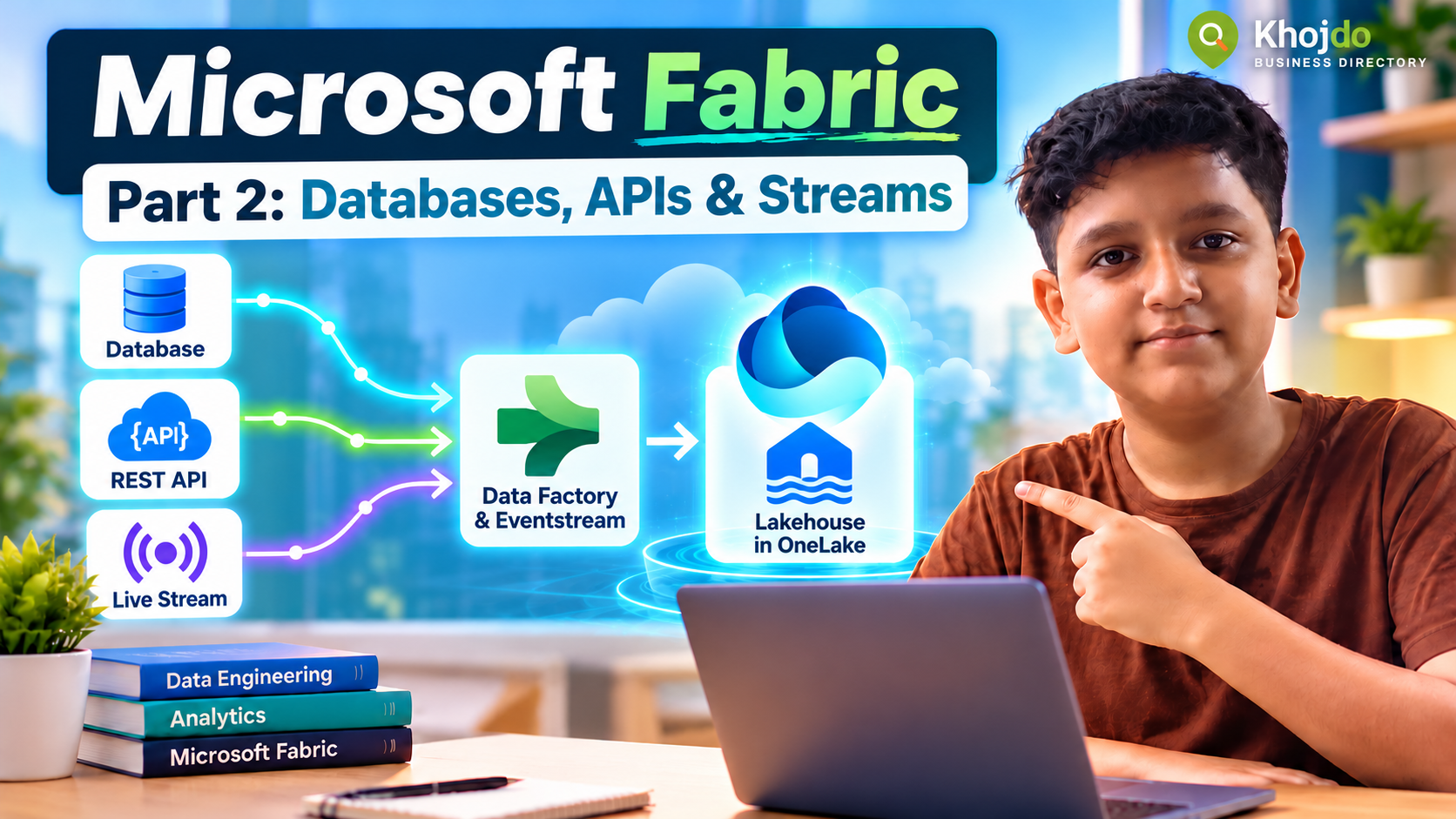
Connect database and REST API sources with Data Factory, then ingest live events into a Fabric Lakehouse with Eventstream.
In Part 1, we created a Fabric workspace and Lakehouse and loaded a sample file. In this article, we extend the same demo with three common sources: a relational database, a REST API and a live event stream. We’ll use Fabric-Junior-Demo and LH_Sales_Demo from Part 1. If you need to start from scratch, first create a workspace and Lakehouse.
Before you begin
Open the Microsoft Fabric portal. Azure portal is used to create and manage Azure resources such as Event Hubs or paid Fabric capacity; Fabric pipelines, Lakehouses and Eventstreams are configured in Fabric. Use an approved trial or workspace capacity, and check with your administrator before creating Azure resources that may incur charges.
For every source, use synthetic or approved demo data, least-privilege credentials and managed connections. Do not put passwords, API keys or tokens in notebook code, pipeline parameters visible to others, or Git.
Create a free account to read the rest
This article is open to registered readers. Signing up takes a minute and costs nothing.