
Azure Fabric :: Part 4 — Transform OneLake Data with Azure Databricks
By Pankaj Kumar Jha · 28 Oct 2026 · 6 views
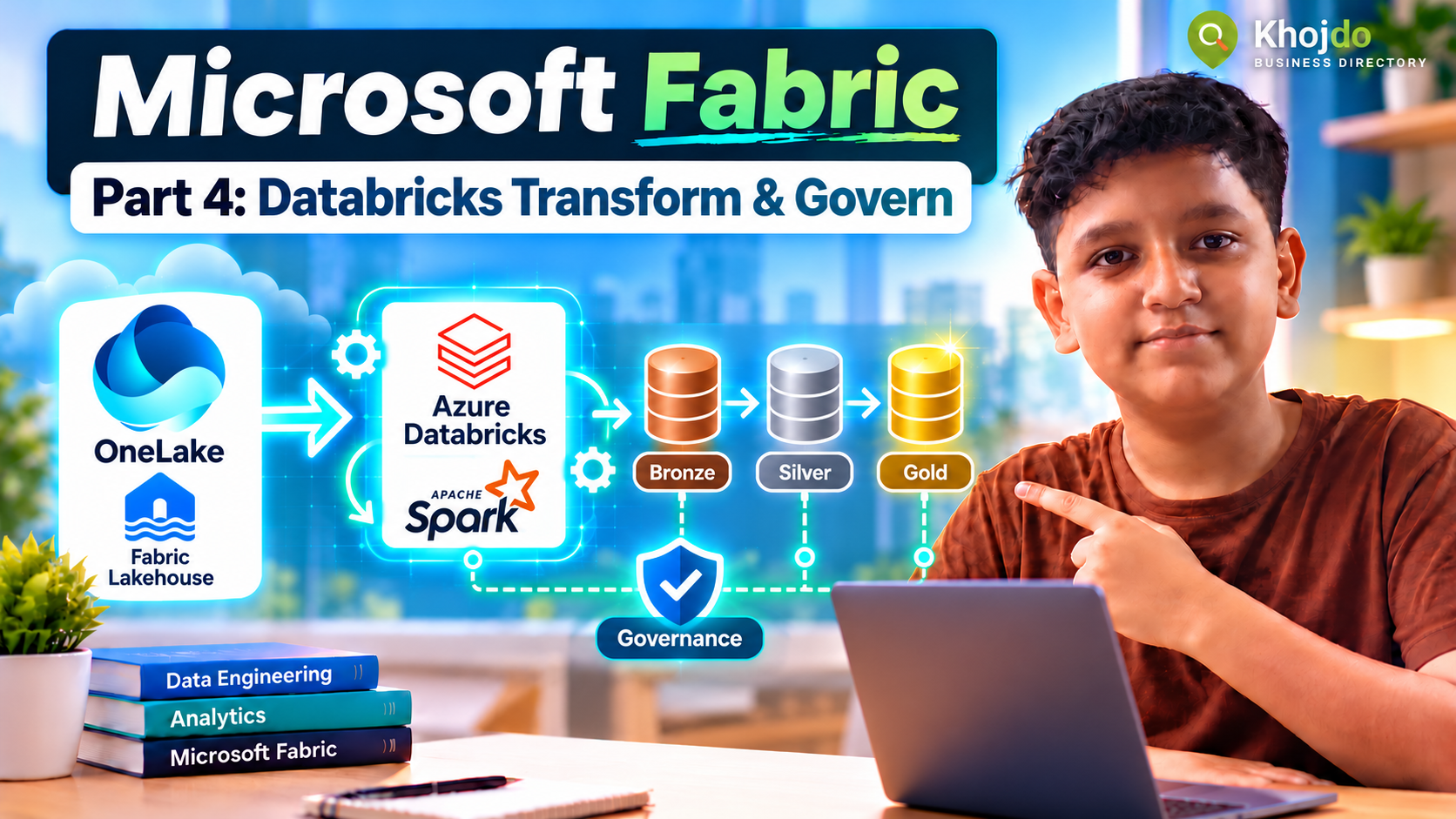
Connect Azure Databricks to OneLake, transform ingested data into Bronze, Silver and Gold Delta tables, and apply practical governance and quality checks.
Microsoft Fabric for Beginners, Part 4: Transform OneLake Data with Azure Databricks
Transform ingested data with Azure Databricks and publish governed Delta tables in OneLake.
In Parts 1–3, we created a Fabric Lakehouse, ingested sample files, database data, API responses and streaming events, and explored shortcuts and Mirroring. Now we’ll use Azure Databricks to clean and shape the data into useful Delta tables, then apply quality and access controls.
Choose the Databricks-to-OneLake pattern
- Direct OneLake access: Azure Databricks standard or job clusters can read and write OneLake through the ABFS endpoint using OAuth. This suits a Databricks transformation job that writes curated Delta output to a Fabric Lakehouse.
- OneLake catalog federation: Databricks queries Fabric Lakehouse or Warehouse tables without copying them. This is read-only and needs supported Unity Catalog, runtime, tenant and identity configuration; use it when Databricks needs to analyze data owned in Fabric, not to write transformations back.
- ADLS Gen2 plus shortcut: If your organization already uses ADLS Gen2 as the shared storage layer, Databricks can write there and Fabric can reference curated Delta data with a shortcut. This is an alternative when it matches the existing platform design.
🔒Members only
Create a free account to read the rest
This article is open to registered readers. Signing up takes a minute and costs nothing.