
Azure Fabric :: Part 3 — OneLake Shortcuts and Mirroring
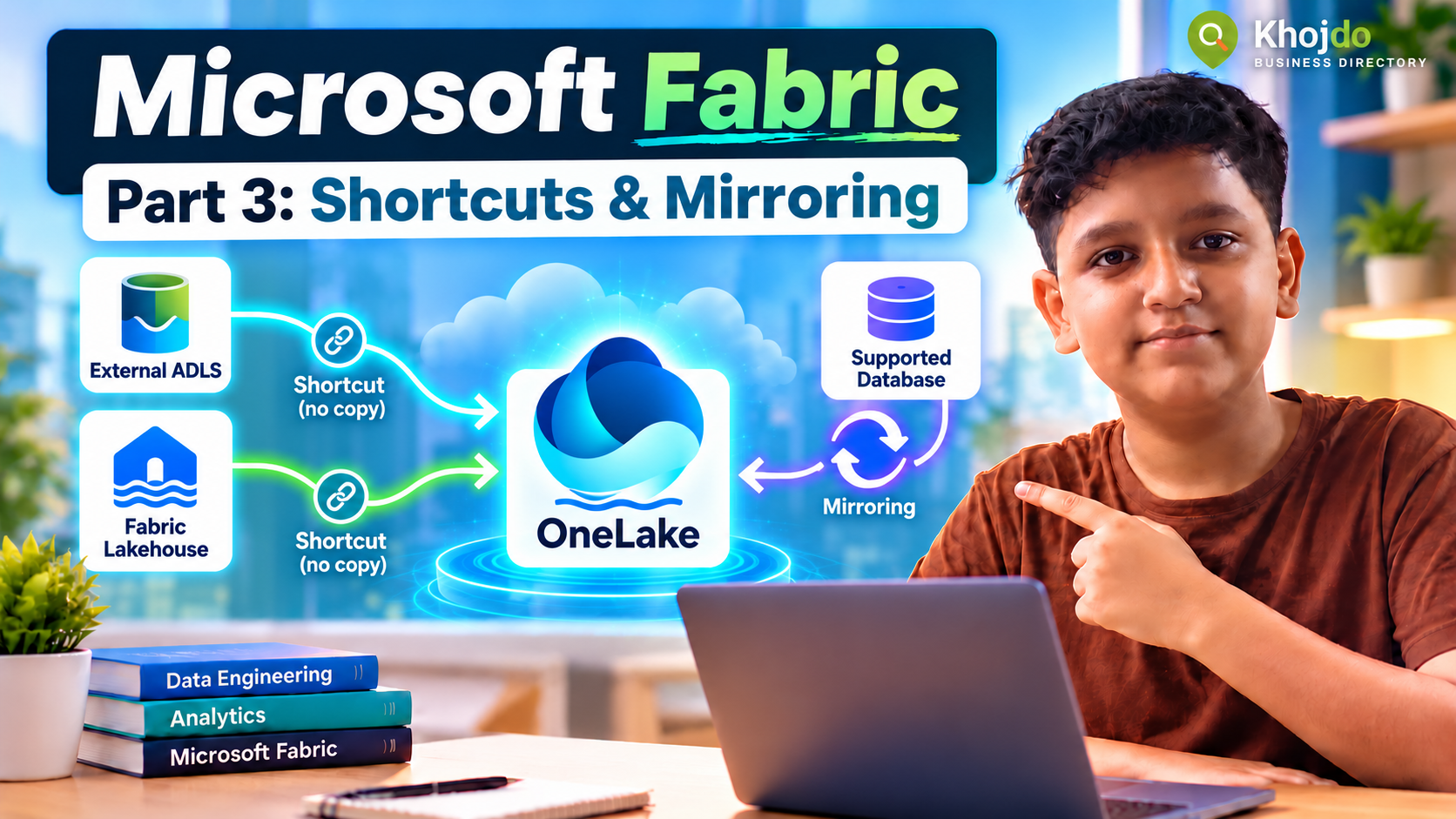
Short summary: Learn when to use OneLake shortcuts, when to copy data, and how to configure Mirroring for a supported source.
In Parts 1 and 2, we created a Lakehouse and ingested files, database data, API responses and streaming events. This part explains two ways to connect existing data to OneLake: shortcuts and Mirroring. They solve different problems, so choose based on freshness, source support, access controls, duplication and operating cost.
OneLake, in brief
OneLake is the shared logical data lake for Microsoft Fabric. A Lakehouse stores files and Delta tables in OneLake. Fabric can also expose data from other locations through shortcuts or replicate data from supported systems through Mirroring.
| Approach | What happens | Good fit |
|---|---|---|
| Copy with a pipeline | Fabric creates a separate landed copy. | You need controlled ingestion, replay, retention, or transformation before use. |
| OneLake shortcut | A pointer appears in the Lakehouse; the target data stays in its original location. | You want to use existing OneLake or supported external data without creating another full copy. |
| Mirroring | Fabric continuously replicates data from a supported source into OneLake. | You need low-latency analytical access and the source is supported by Mirroring. |
Part A — Create a shortcut to another Fabric Lakehouse
Create a free account to read the rest
This article is open to registered readers. Signing up takes a minute and costs nothing.